Make your first Sim
Sim · about 15 minutes
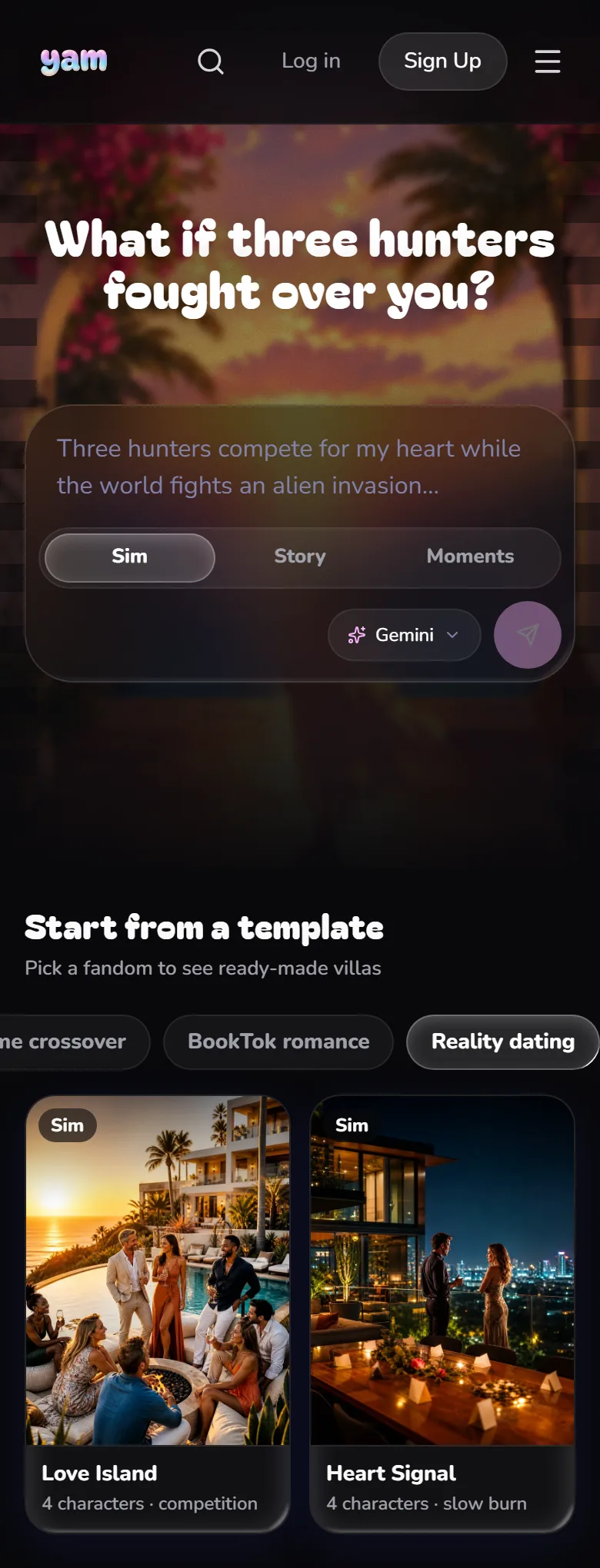
A Sim is a dating reality show your players live in. They walk into the villa (or the academy, or the palace), text the cast, go on dates, survive the ceremonies, and end the season with someone. Or alone, and iconic.
1Pick Sim and describe your show
Open Create, choose Sim, and tell YAM four things: who the cast is, where it happens, how many people your player can date, and how many days the season runs.
Try this
“Original adult cast in a Love Island villa. Theo, a 29-year-old architect, Rafe the bartender, Jonah, Kai and Marcus are datable. Ines and Dani are the player's besties. 6-day season.”
Tap the arrow (Draft my show) to send.
TipNot sure where to start? Pick a template under Start from a template and change anything you like.
2Answer YAM, then read the draft
YAM may ask you a few quick questions first. Then it writes your whole show. While it works, the Build tab says YAM is writing your show.
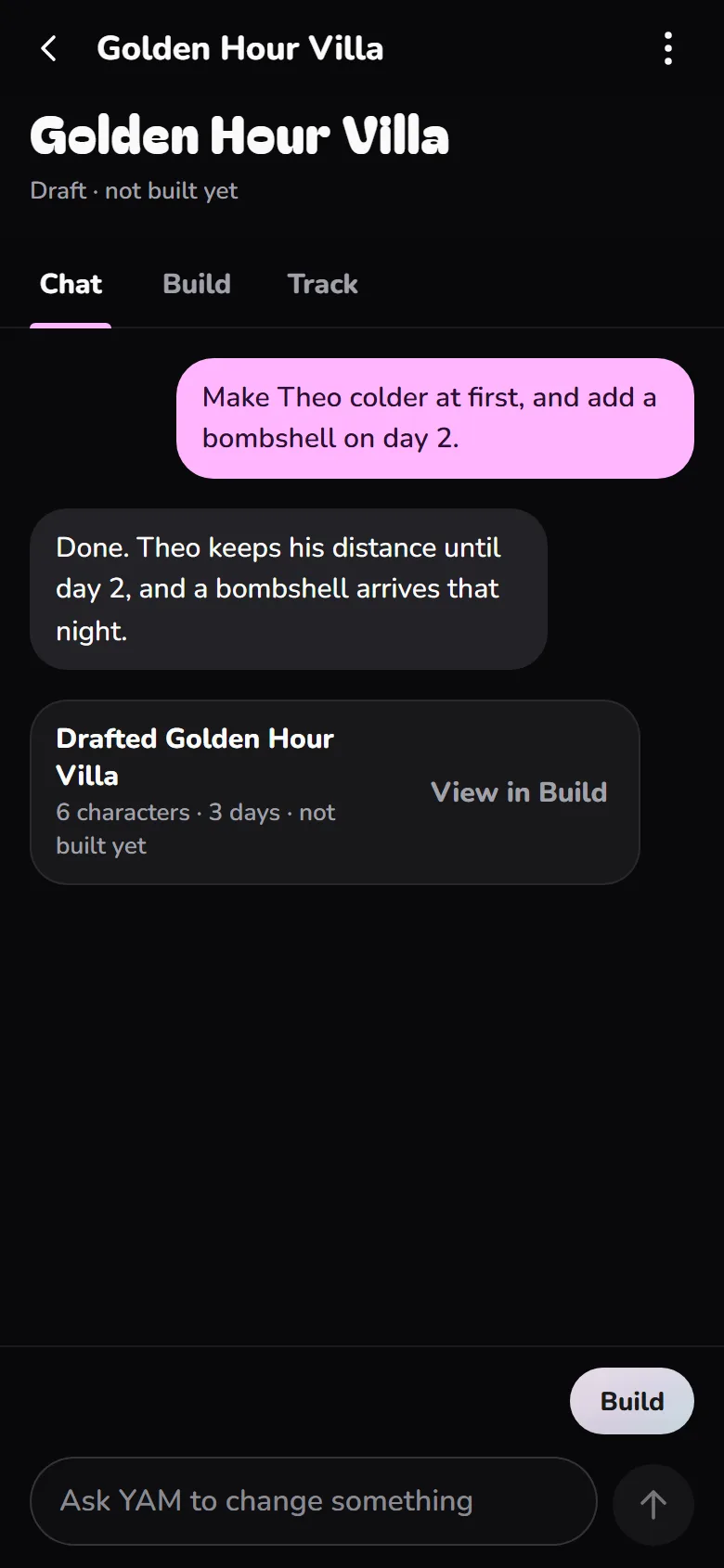
When it's done, Chat shows a summary like “Drafted Golden Hour Villa” with how many characters and days it made. Tap View in Build to see everything.
3Fix anything in Needs a look
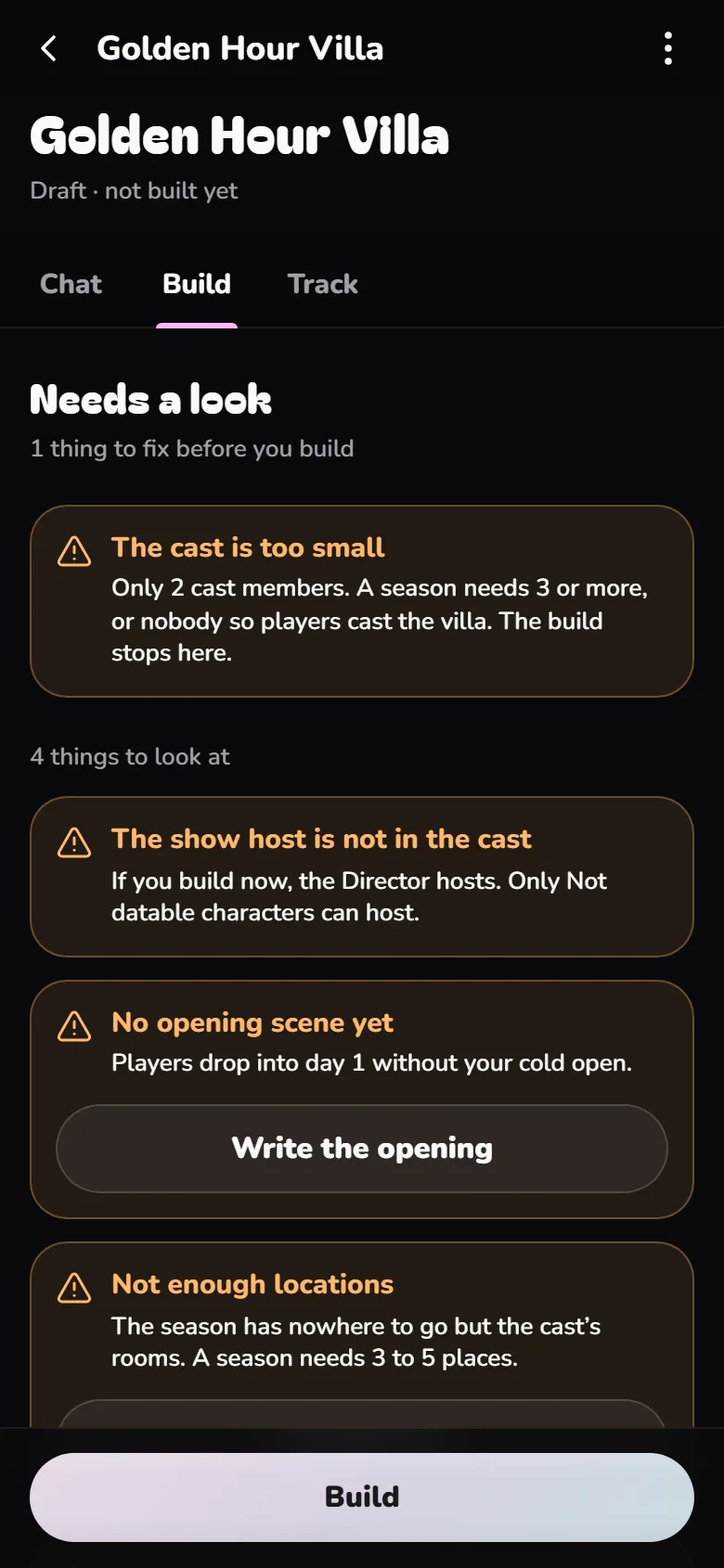
If something is missing, a Needs a look box sits at the top of Build. Each item has its own fix button. Named a character YAM left out? You'll see “1 person you named is missing” with Add 1.
Items under “things to fix before you build” must be fixed. Items under “things to look at” are suggestions.
4Check the cast
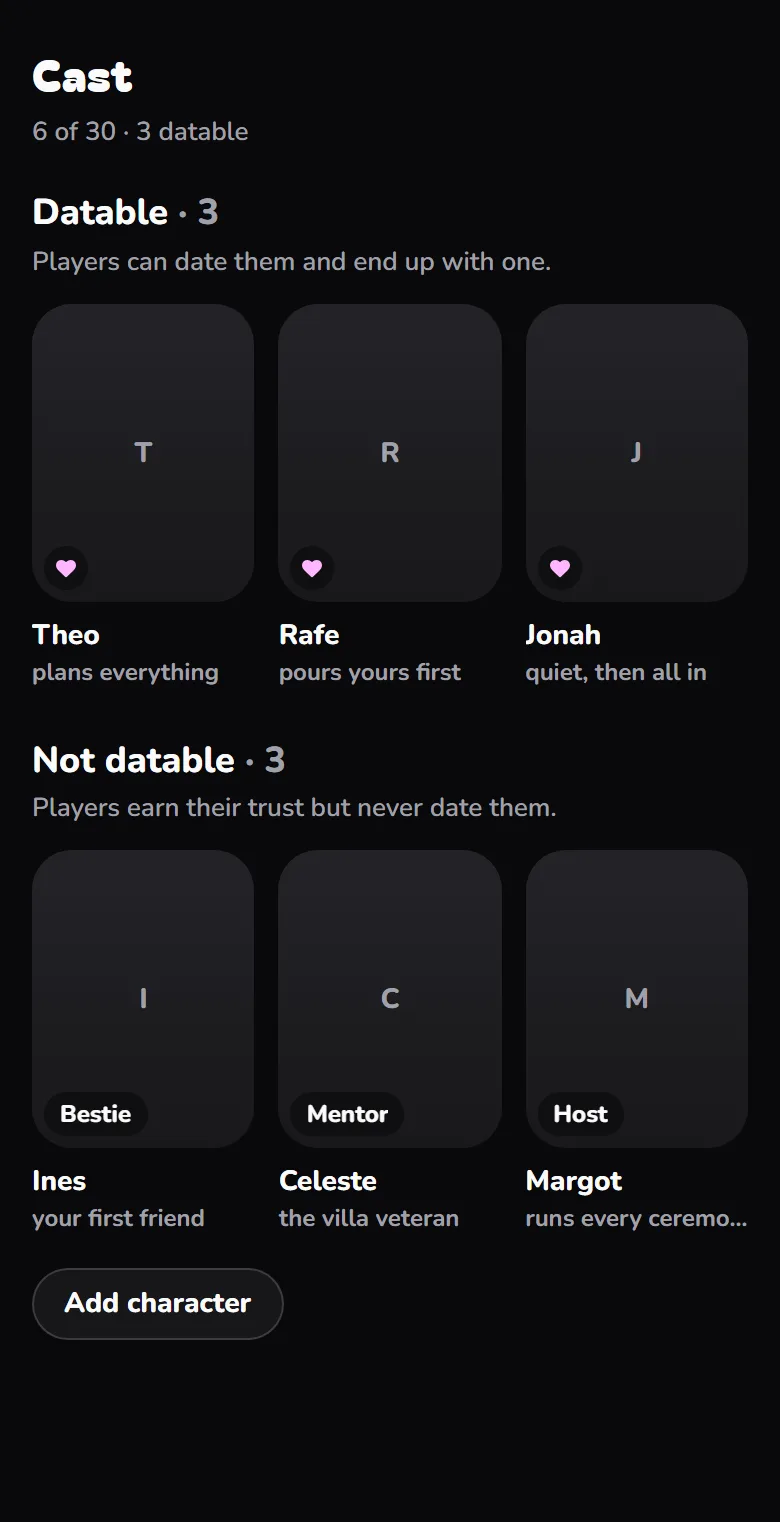
In Cast, your characters are split in two:
- Datable: players can date them and end up with one.
- Not datable: players earn their trust but never date them. Each one has a role like Bestie, Rival or Wingman.
Tap any card to open their sheet. The three fields that matter most are Wants, Fears and Secret. Make two characters want the same thing and your season writes itself.
5Set the season
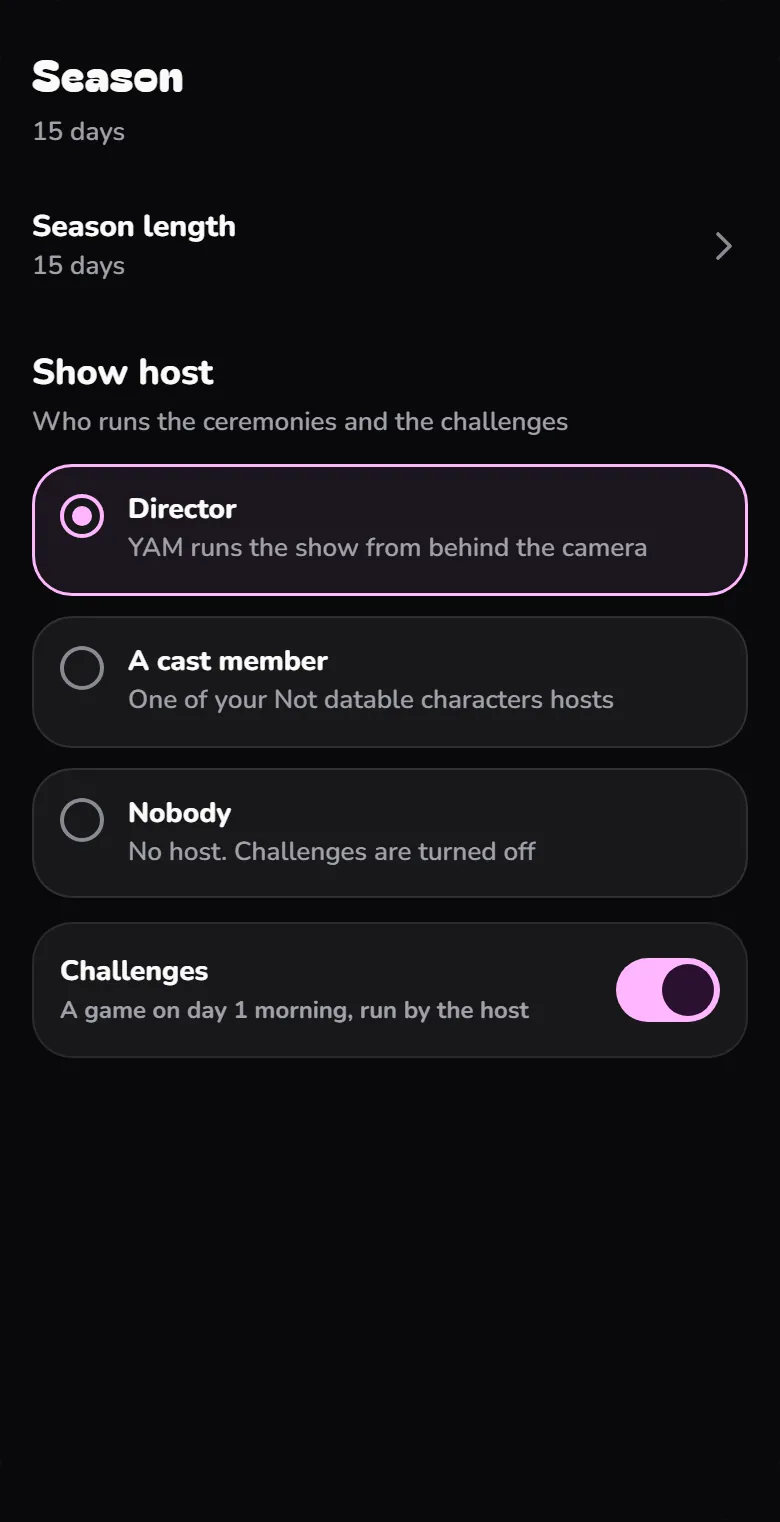
In Season, open Season length and pick 1 to 30 days. Each day is one morning, one afternoon and one night. For a first game, 5 to 7 days is a good length.
Under Show host, choose who runs the ceremonies and challenges:
- Director: YAM runs the show from behind the camera.
- A cast member: one of your Not datable characters hosts.
- Nobody: no host, and challenges are turned off.
6Make the opening hook
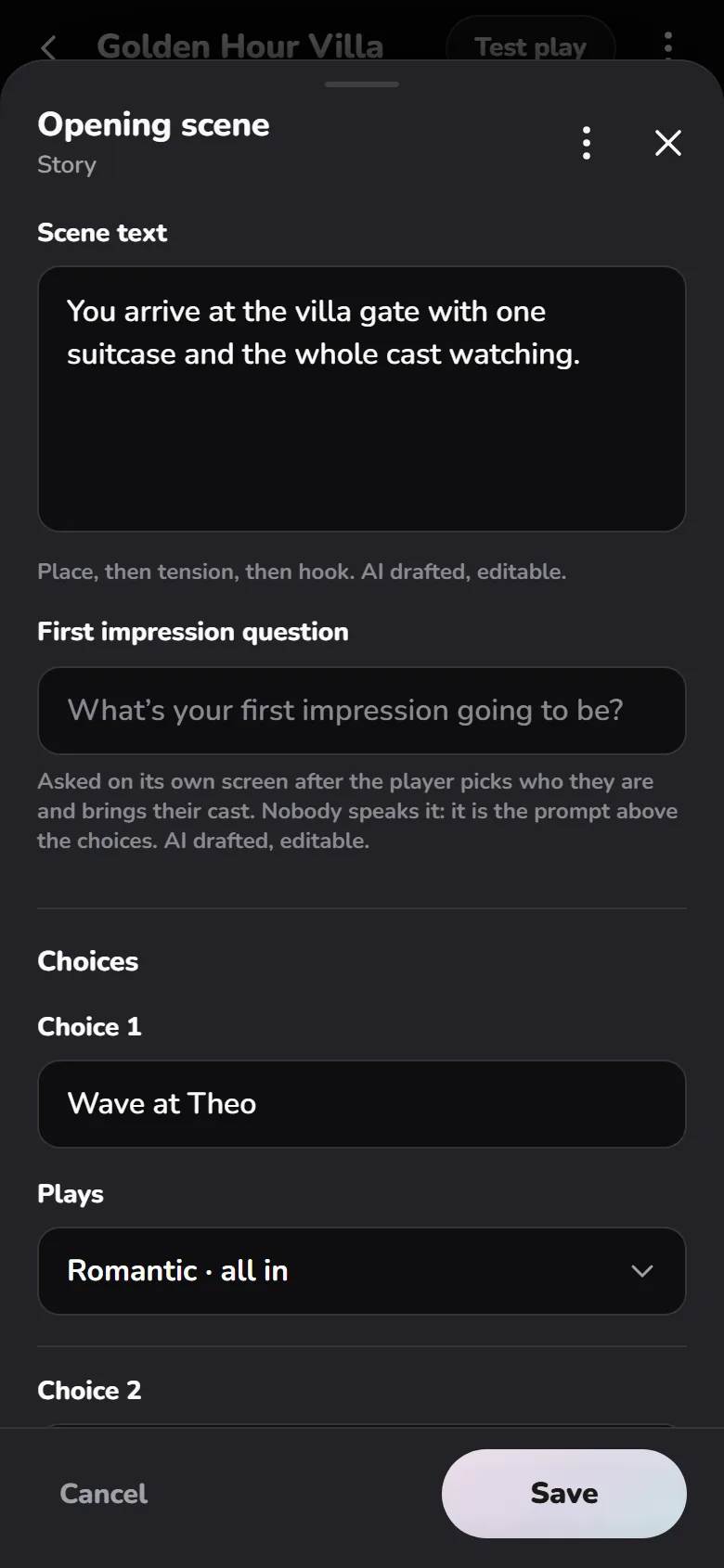
The opening scene is the first thing every player reads. It decides whether they stay. In Story, tap Opening scene.
A great opening drops the player in the middle of something: a door slams, a glass breaks, every head turns to the new arrival. Then 2 to 4 choices, each with a different flavor.
TipNot hooked? Open the ⋮ menu and choose Rewrite with YAM. Repeat until the first line makes you want to tap.
7Pick an art style and build
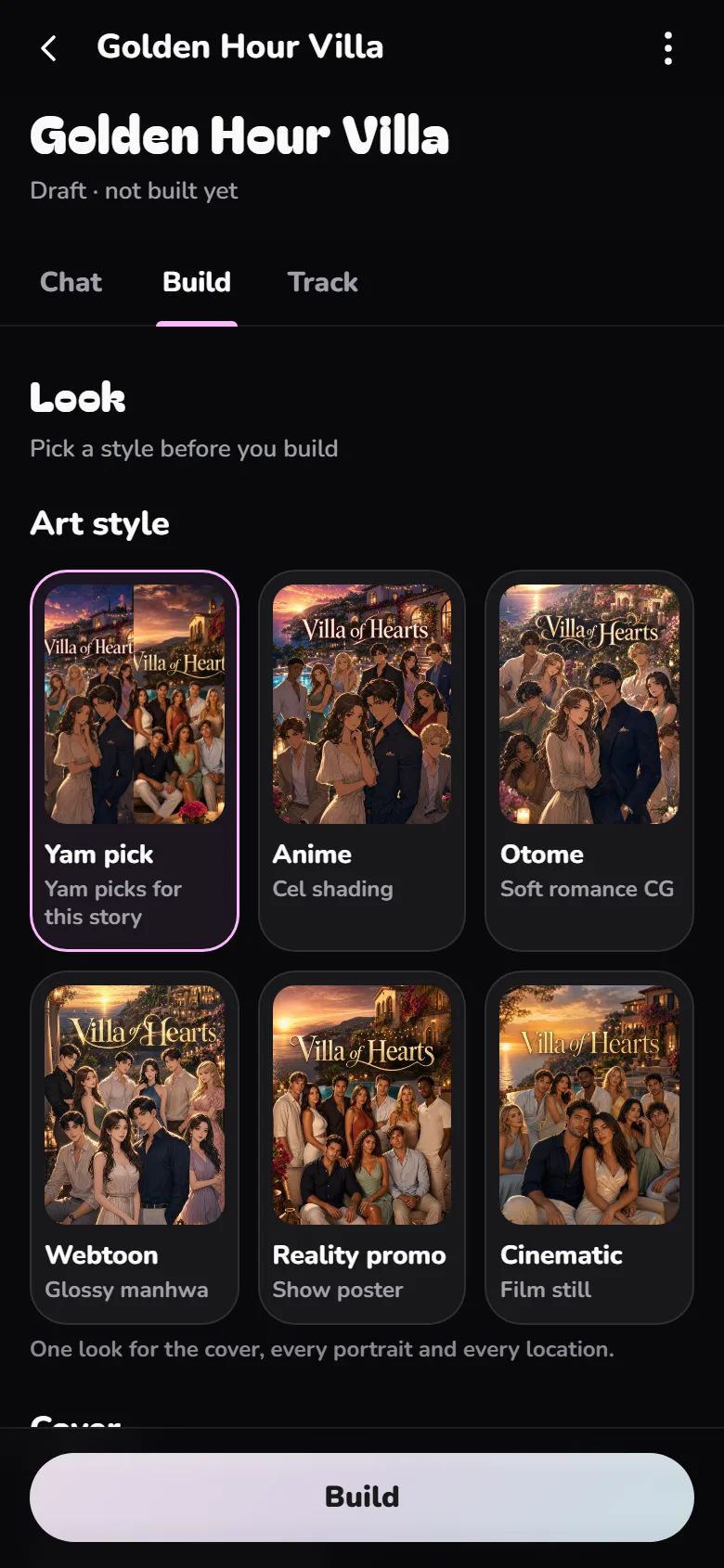
In Look, choose an Art style: Yam pick, Anime, Otome, Webtoon, Reality promo or Cinematic. One style is used for the cover and every place, and every portrait is original, drawn in that style.
Then tap Build. YAM draws original art and makes your game playable. The art arrives piece by piece, and All art is in tells you it's done.
8Play it, then share it
Tap Test play at the top and play your own opening. Your test plays never show up in your stats.
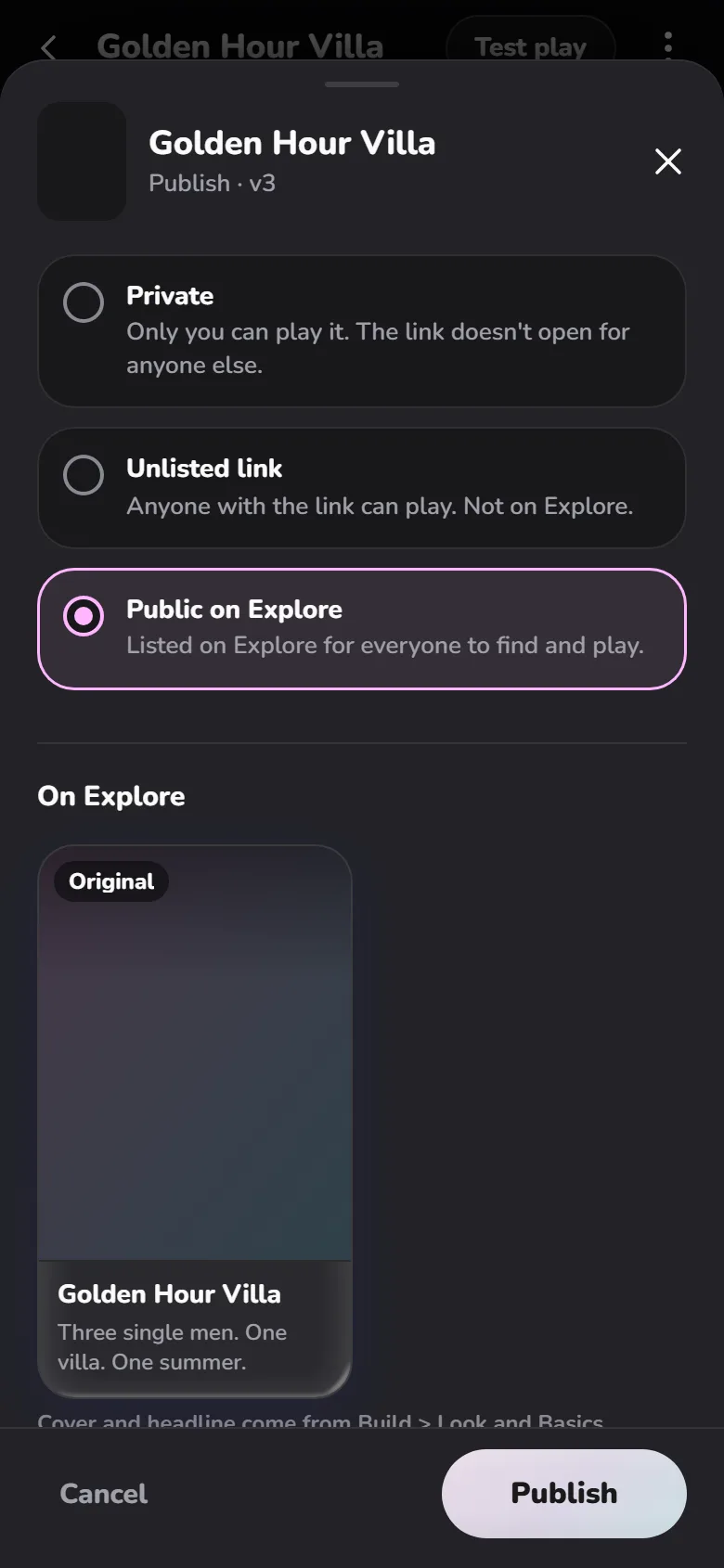
Your first build is live as Unlisted: anyone with the link can play. Tap Publish to choose who can play, then copy the link and send it to your group chat.
Before you share
The title is 6 words or fewer
At least two characters want the same thing
Nothing left under "things to fix"
The opening ends on something aimed at the player
You played your own first scene
Questions creators ask
How big can the cast be?
Up to 30 characters.
Can players date the host?
No. Only Not datable characters can host.
What if I don't name a cast?
With no cast, players cast the villa themselves when they start.