Make your first Story
Story · about 10 minutes
A Story puts your player in the lead role. They read a scene, choose what they do, and the story bends around them. Perfect for “I woke up inside my favorite novel”, second-lead rewrites, and anything where one person's choices should change the ending.
1Pick Story and describe it
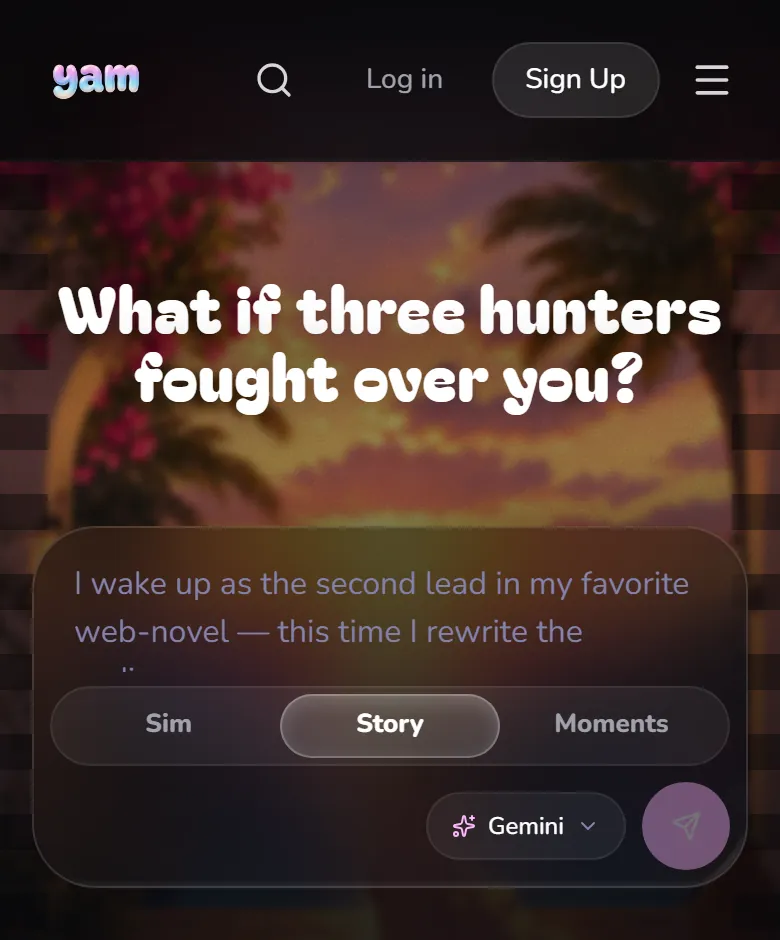
Open Create and choose Story. Tell YAM who your player is, who they meet, and what they're trying to change.
Try this
“I wake up as the second female lead in a palace romance web-novel. In the original I die in chapter 10. This time I rewrite the ending. The crown prince, his cold guard, and the scholar who knows the plot too.”
2Read the draft
YAM drafts the premise, the cast, the opening and the endings. Tap View in Build when the summary appears in Chat.
3Shape the cast
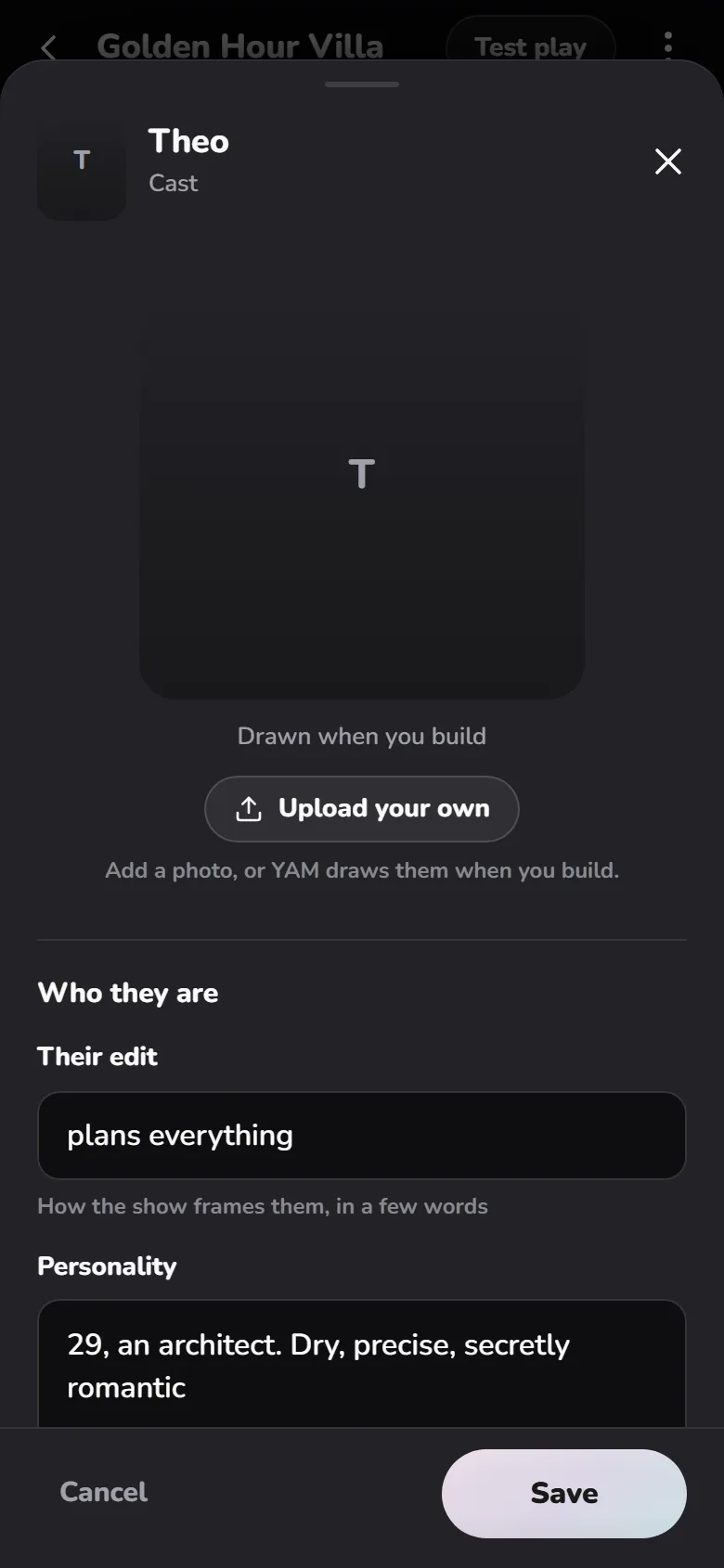
In Cast, tap a character to open their sheet. A Story has one simple cast, with no Datable groups. Give each person Wants, Fears and a Secret, and a line or two in Speech examples so they sound like themselves.
TipSpeech examples do more than any description. Write two lines they would actually say, in their words.
4Write the opening
Tap Opening scene. Put the place first, then the tension, then the hook. Add 2 to 4 Choices. A Story also has Welcome lines: the first things the cast says to your player.
5Decide how it ends
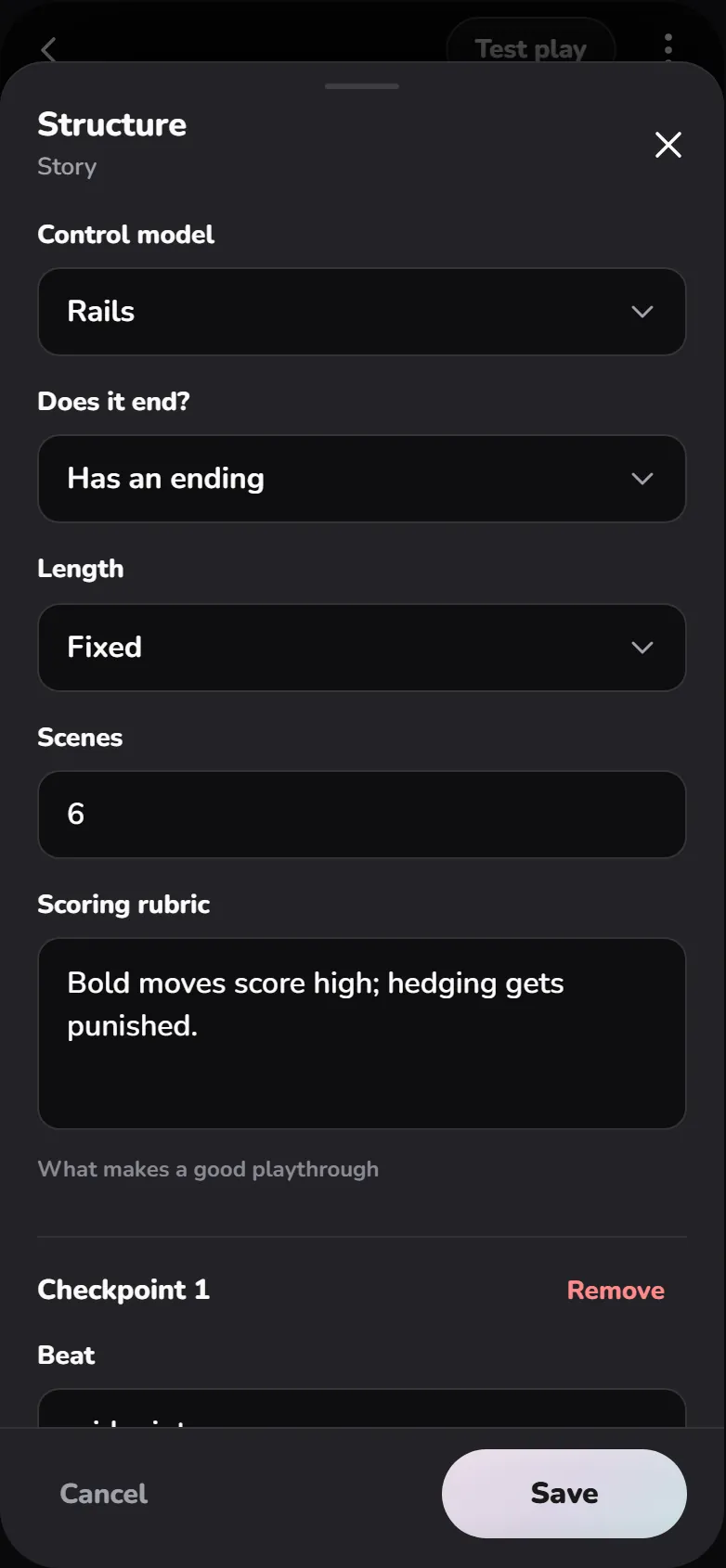
Tap Structure to choose whether your story has an ending, how long it runs, and the key beats it should hit along the way.
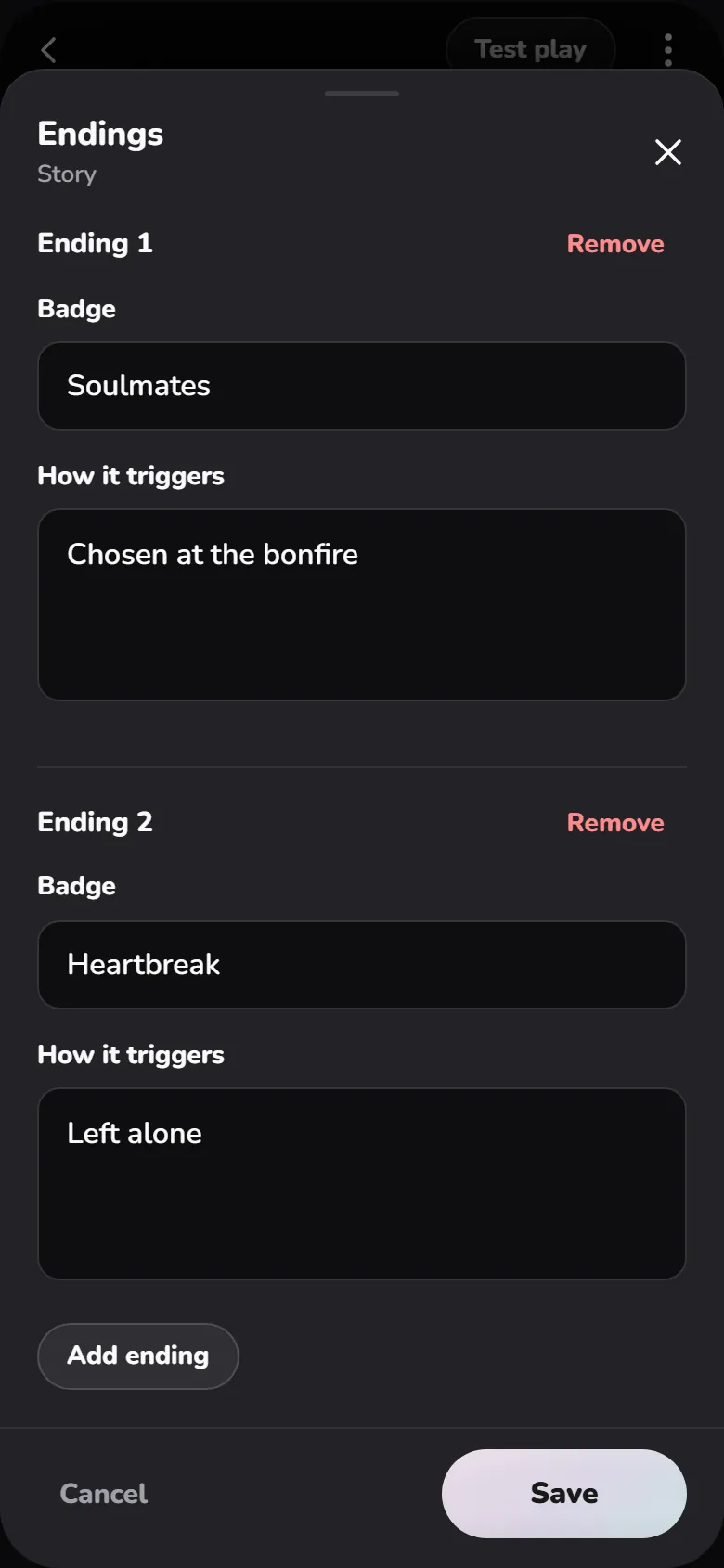
Then tap Endings. Each ending is a Badge (the name players earn, like “Rewrote Fate”) and How it triggers (what has to be true to get it). Two or three endings are plenty for a first story.
6Build, play, share
Pick an Art style in Look, tap Build, then Test play. When it feels right, tap Publish and copy your link.
Before you share
The premise speaks to the player as "you"
The opening ends on a choice that matters
Every ending can actually be reached
Questions creators ask
Can a Story have hidden secrets like a Sim?
Yes. Ask YAM in Chat to add a hidden thread. Once one exists, Hidden threads shows up under Story on Build.
Can players become someone in my story?
Yes. Ask YAM to add identity questions. Players answer them when they start, and each answer gives them a role and a starting bond.